 Video coming soon
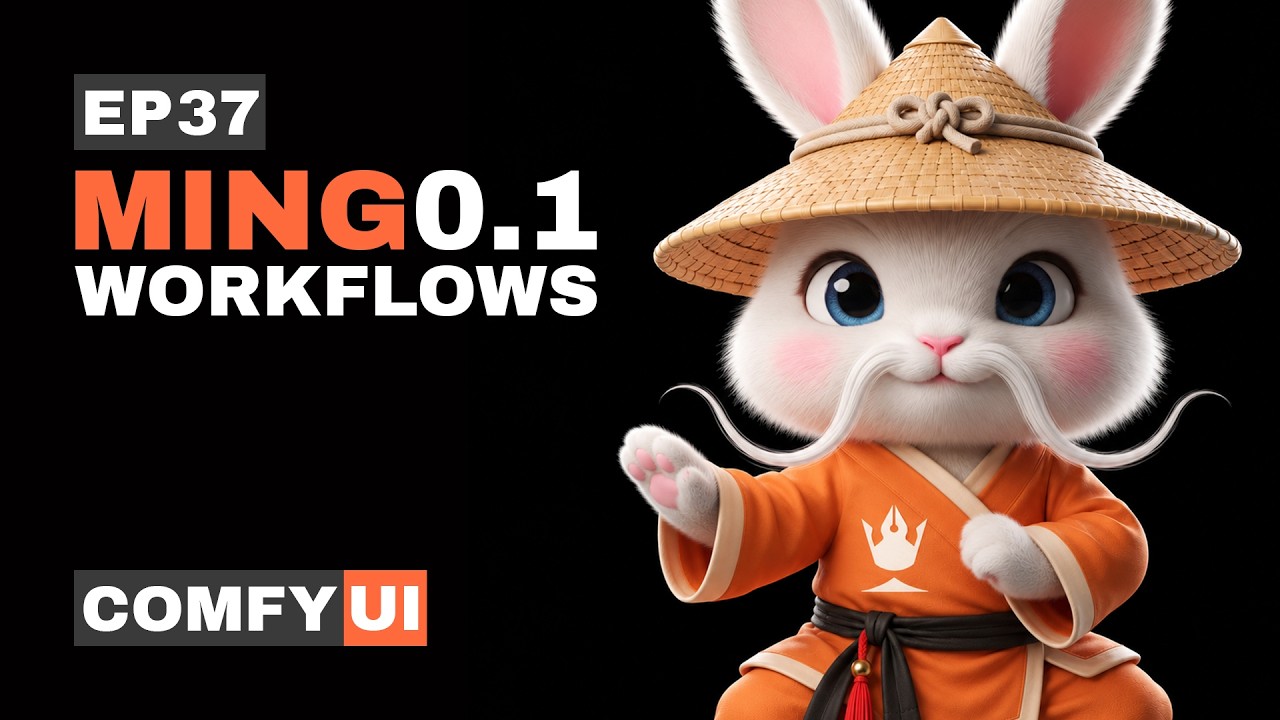
EP37
Image
Free AI Model for Design & Text in ComfyUI | Ming Image 0.1
New to ComfyUI? How to load a workflow and install the nodes
A Pixaroma node missing? Get the latest Pixaroma nodes
What's inside
Ep37 Workflows.zip · 1.2 MB1. Text to Image 12
- 1. Ming Image 0.1 - Text to Image
- 2. Ming Image 0.1 - Text to Image + Prompt Enhancer
- 3. Ming Image 0.1 - Transparent PNG
- 4. Ming Image 0.1 - YouTube Thumbnail
- 5. Ming Image 0.1 - Logo Design
- 6. Ming Image 0.1 - App and Website Screens
- 7. Ming Image 0.1 - Game Screens and Icons
- 8. Ming Image 0.1 - Infographic
- 9. Ming Image 0.1 - Event Poster
- 10. Ming Image 0.1 - Social Media Post
- 11. Ming Image 0.1 - Logo Variations
- 12. Ming Image 0.1 - 3D Lettering
2. Image Edit 5
- 1. Ming Image 0.1 - Image Edit
- 2. Ming Image 0.1 - Sketch to Photo
- 3. Ming Image 0.1 - Restyle a Design to 3D
- 4. Ming Image 0.1 - Product Ad from Two Pictures
- 5. Ming Image 0.1 - Social Media Pack
Also in the zip: the 6 media inputs used in the video, plus help notes and resources.